








The best GitHub repositories for saving money are rarely the ones with the flashiest names: they are the projects that give you a real tool, a real license and a real community, with no subscription attached. This guide reviews ten of them, from a local AI runner to a visual agent builder and three huge curated lists, and explains where each one is genuinely useful and where “free” has limits. Every star count, license and description below was checked on GitHub itself on 7 November 2026, not copied from a social post. Our editorial policy explains how we handle sources.
The idea for this list came from a carousel shared on Instagram about ten repositories that “replace expensive subscriptions”. We did not reuse its images, and we did not repeat its claims about how many dollars a year they save: nobody can know that number without knowing your needs. What we can do is verify what each project is, who maintains it, how it is licensed and what it costs you in time and hardware. This is general information, not legal, security or financial advice.
Key takeaways
- The ten repositories together hold more than 2 million GitHub stars as of 7 November 2026, so they are widely used, but stars measure popularity, not safety or fit.
- Three of them run or build AI locally (Ollama, Langflow, OpenHands); two collect AI apps and MCP servers; the rest are curated lists, a design workspace and a scraping library.
- Open source means more than a visible code base: the Open Source Initiative lists ten criteria, and one project in this list has no standard license detected by GitHub.
- “Free” can still cost you: hardware, setup time, maintenance, and optional paid hosted plans offered by some projects.
- Check the license, the activity and the permissions of anything you install, and respect each website’s rules before scraping it.
Contents
Quick answer: which are the best GitHub repositories to replace paid tools?
It depends on the job. For running AI models on your own computer, start with Ollama. For building AI workflows visually, Langflow. For a coding agent, OpenHands. For finding free APIs or free developer services, use the curated lists Public APIs and free-for-dev. Always check the license and what the project actually does before relying on it.
How we checked these best GitHub repositories
We started from the ten repositories named in the Instagram carousel and re-checked each one on 7 November 2026 using GitHub’s public repository data and the first screens of each README. We recorded the current star count, the license GitHub detects, the official description and the last activity. Where the carousel’s numbers differed from today’s, we use today’s. One repository has moved to a new organisation name: OpenHands, formerly published under All-Hands-AI.
| Repository | What it is | Stars (7 Nov 2026) | License | Best for |
|---|---|---|---|---|
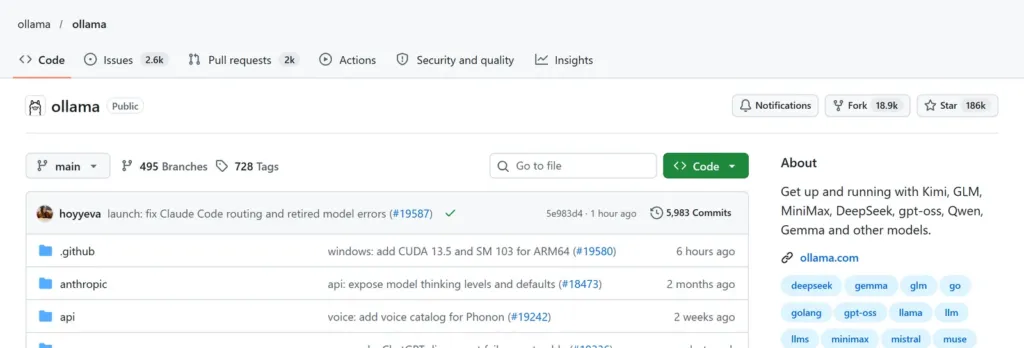
| ollama/ollama | Runs open models locally or in the cloud | 186,157 | MIT | Private, local AI |
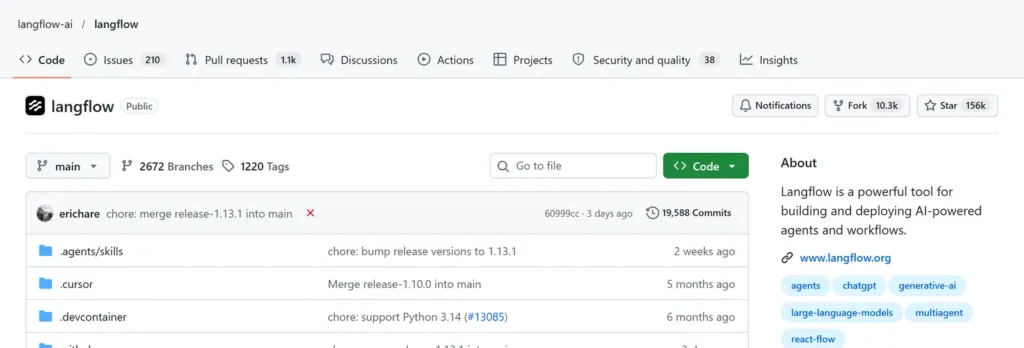
| langflow-ai/langflow | Visual builder for AI agents and workflows | 156,397 | MIT | Building AI workflows |
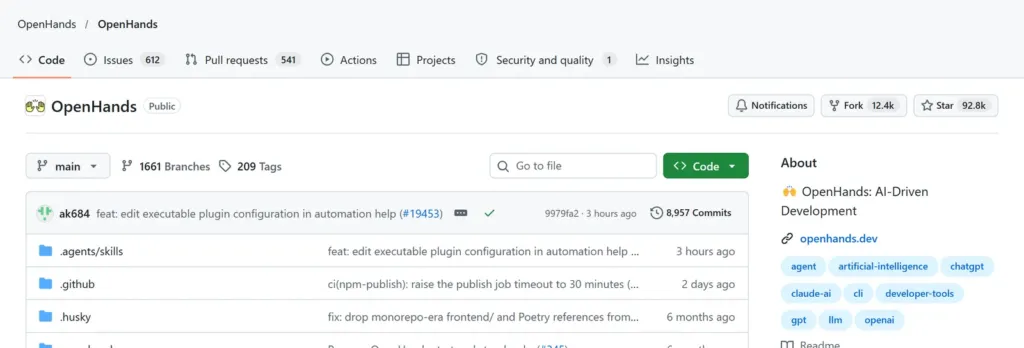
| OpenHands/OpenHands | Self-hosted control center for coding agents | 92,842 | MIT | Coding automation |
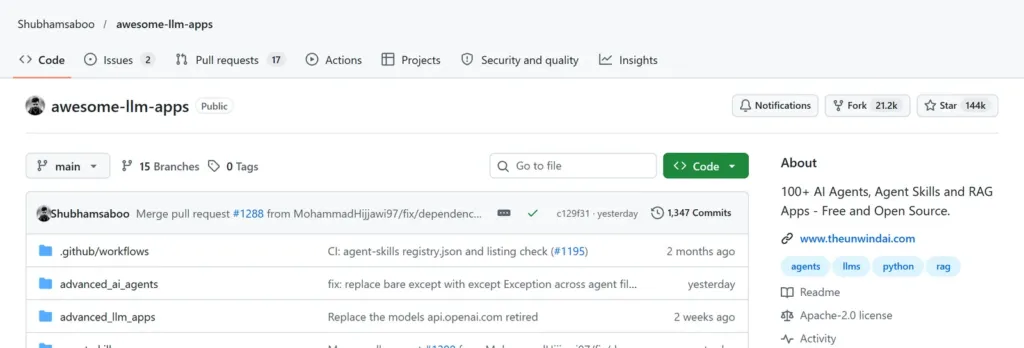
| Shubhamsaboo/awesome-llm-apps | 100+ AI agents, skills and RAG apps | 144,052 | Apache-2.0 | Learning by example |
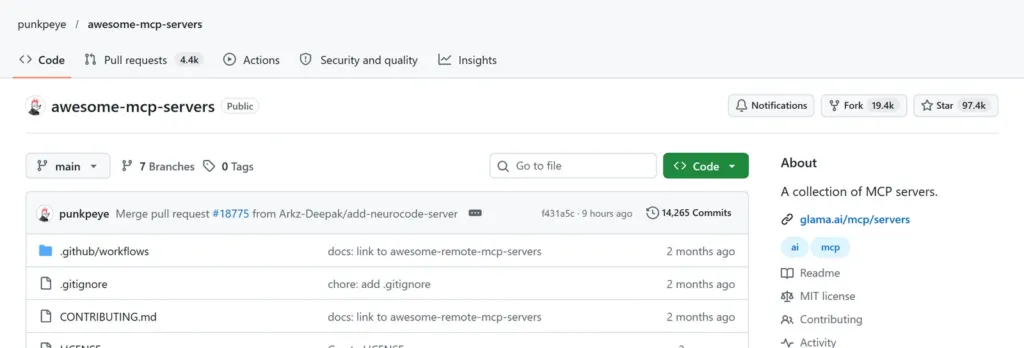
| punkpeye/awesome-mcp-servers | Curated list of MCP servers | 97,395 | MIT | Connecting AI to tools |
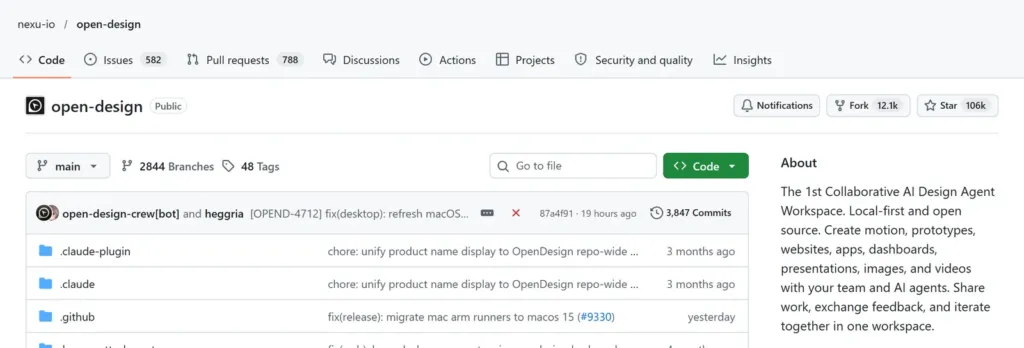
| nexu-io/open-design | Collaborative AI design agent workspace | 106,336 | Apache-2.0 | Design and prototypes |
| D4Vinci/Scrapling | Python web scraping framework | 98,895 | BSD-3-Clause | Data extraction |
| public-apis/public-apis | A collective list of free APIs | 496,782 | MIT | Finding free APIs |
| ripienaar/free-for-dev | SaaS, PaaS and IaaS with free tiers | 142,109 | None detected | Free developer services |
| sindresorhus/awesome | Awesome lists on many topics | 532,577 | CC0-1.0 | Finding curated lists |
The ten repositories add up to roughly 2.05 million stars. That number says they are popular. It does not say they are safe or right for you, which is why the sections below describe what each one does and what to check.
Free does not always mean free of cost
The Open Source Initiative states in its Open Source Definition that open source does not just mean access to the source code: distribution terms must meet ten criteria, including free redistribution and access to the source. A permissive license such as MIT or Apache-2.0 lets you use the software at no license fee, but other costs remain.
| Hidden cost | Example in this list | What to do |
|---|---|---|
| Hardware | Running models locally with Ollama needs a capable computer | Start with small models and check your memory |
| Setup and upkeep | Self-hosting OpenHands or Langflow means installing and updating them | Budget time, pin versions |
| Optional paid plans | Some projects also offer a hosted or cloud service with credits | Read the README to see what is free |
| Unclear license | free-for-dev shows no standard license on GitHub | Treat it as a reference list, not code to copy |
| Time | Learning a framework takes hours | Try one project at a time |
The best GitHub repositories for AI: run, build and automate
These five projects cover the AI part of the list: running models, building workflows, delegating coding tasks and finding ideas and connectors.
Ollama: run open models on your own machine
Ollama (186,157 stars, MIT) describes itself as a way to start building with open models, locally or in the cloud, with complete privacy. The README shows one-line installers for macOS, Windows and Linux and an official image on Docker Hub. It is the simplest entry point if you want to try a model without sending your prompts to a third-party service. The limits are practical: larger models need more memory, and the cloud option is a separate service.
Langflow: build AI workflows visually
Langflow (156,397 stars, MIT) is a platform for building and deploying AI-powered agents and workflows. Its README highlights a visual authoring experience plus built-in API and MCP servers, so a workflow can be exposed as a tool for other applications. It suits people who think in diagrams and want to prototype quickly. Expect to learn its components and to host it yourself or use a hosted option.
OpenHands: a control center for coding agents
OpenHands (92,842 stars, MIT) now presents itself as a self-hosted developer control center for coding agents and automations. According to its README, it can run OpenHands itself and other agents such as Claude Code or Codex across local, remote and cloud backends. It is aimed at developers who already use coding agents and want one place to manage them. Review the permissions you give an agent before letting it change your code. For a first look at AI at work, our guide to mastering Claude AI in your professional life covers the basics.
Awesome LLM Apps: 100+ examples to learn from
Awesome LLM Apps (144,052 stars, Apache-2.0) is a collection of more than 100 open-source AI agents, agent skills and RAG apps, described as hand-built and free. It is best used as a library of working examples: read one, run it, then adapt it. As with any sample code, review it before running it on real data.
Awesome MCP Servers: connect AI models to tools
Awesome MCP Servers (97,395 stars, MIT) is a curated list of servers for the Model Context Protocol, which its README describes as an open protocol that lets AI models interact securely with local and remote resources through standardized server implementations. It is a directory, not a product: you still choose, install and trust each server separately, so check who maintains the one you pick.
The best GitHub repositories for design, data and scraping
Open Design: an open-source design agent workspace
Open Design (106,336 stars, Apache-2.0) calls itself a collaborative AI design agent workspace that is local-first and open source, for motion, prototypes, websites and dashboards. Its README also promotes a hosted cloud service with paid plans and credits, so it is a good example of the line between the free open-source project and the optional paid service around it.
Scrapling: a scraping framework, used responsibly
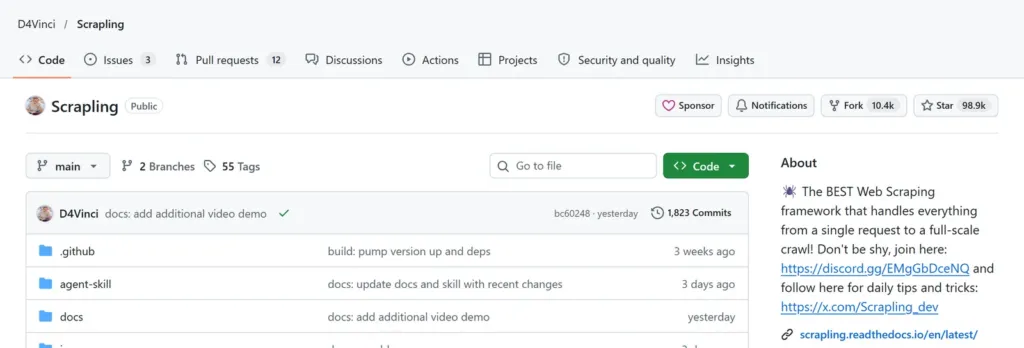
Scrapling (98,895 stars, BSD-3-Clause) is a Python web scraping framework that combines fast HTTP requests, browser automation, parsing and concurrent crawling. Scraping is legitimate for your own sites, public data you are allowed to use, and research that respects the rules. The Robots Exclusion Protocol, standardized in RFC 9309, lets site owners say how crawlers may access their content, and the RFC states that these rules are not a form of access authorization. That means robots.txt is a request to honour, not the only limit: terms of service and the law still apply. Do not use any tool to get around protections a site has put in place.

The best GitHub repositories for finding free resources
Public APIs: a list of free APIs
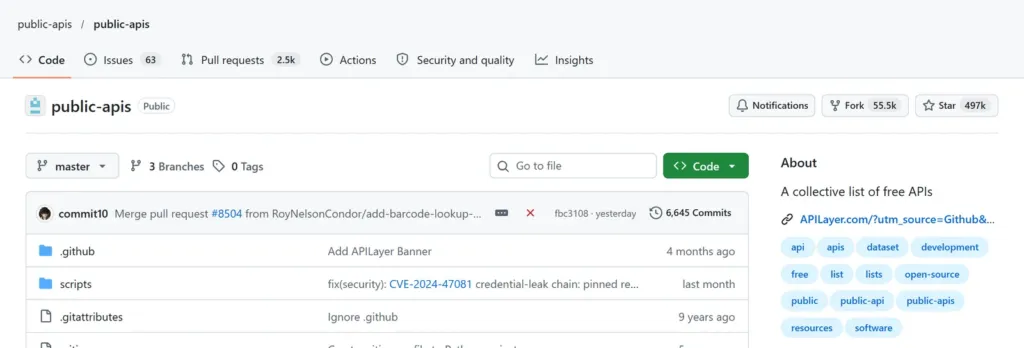
Public APIs (496,782 stars, MIT) is a collective list of free APIs, manually curated by community members. Use it to find an API for a project, then read that API’s own terms: a listing does not guarantee availability, limits or a free tier tomorrow.
free-for-dev: services with free tiers
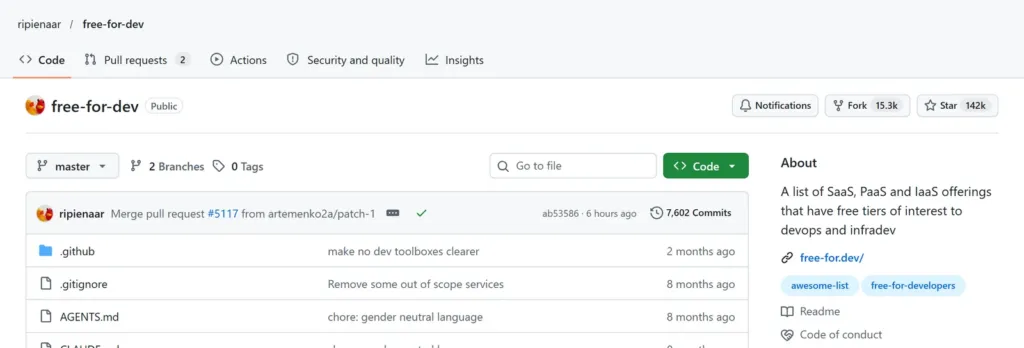
free-for-dev (142,109 stars, no standard license detected by GitHub) lists SaaS, PaaS and IaaS offerings with free tiers, aimed at infrastructure developers. A free tier can change or end, so confirm the current limits on the provider’s own page before building on it.
Awesome: the list of lists
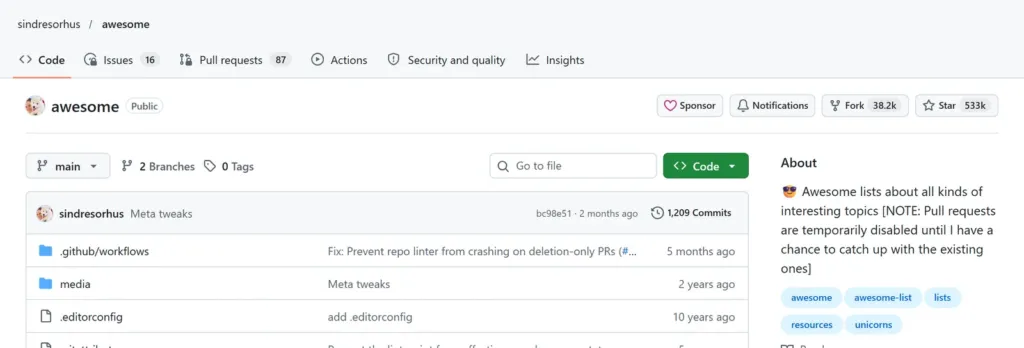
Awesome (532,577 stars, CC0-1.0) is a directory of awesome lists on many topics. It is the place to start when you want a curated list for a subject not covered here, from a language to a tool category.
A safety checklist before you install anything from GitHub
Popularity is not proof of safety. Before you run code from any of the best GitHub repositories, or any other, go through this short list.
- Read the license. Confirm that it allows your use, and note that a repository with no detected license gives you no clear permission to reuse its content.
- Check recent activity and maintainers. Look at the latest commits, open issues and who publishes releases. All ten repositories here had activity in the last few months, but that must be checked again for anything you add.
- Install from the official source. Use the instructions in the project’s own README, and be careful with copies, forks and look-alike names.
- Run unfamiliar code in a contained environment. A virtual machine, container or separate user account limits the damage if something is wrong.
- Keep secrets out. Do not paste API keys, passwords or private data into tools you have not reviewed.
- Pin versions. Note the version you tested so that an automatic update does not change behaviour without your knowing.
- Respect the sites and data you touch. For scraping, follow robots.txt, the site’s terms and the law, and prefer an official API when one exists.
Which of the best GitHub repositories should you start with?
| If you want to… | Start with | Why |
|---|---|---|
| Try AI privately on your own computer | Ollama | One installer, many open models |
| Prototype an AI workflow without much code | Langflow | Visual builder with API and MCP servers |
| Manage coding agents in one place | OpenHands | Self-hosted control center |
| Learn from working AI examples | Awesome LLM Apps | 100+ runnable apps |
| Connect AI to other tools | Awesome MCP Servers | A directory of MCP servers |
| Find a free API for a project | Public APIs | Large curated list |
| Find free developer services | free-for-dev | Lists free tiers |
| Collect data from sites you may use | Scrapling | Python framework, to be used responsibly |
Practical tips for using the best GitHub repositories
- Choose one project per goal and give yourself a day to test it, not a week to compare ten.
- Star the repositories you want to follow, then use the Releases page to see what changed before you update.
- Read the “Issues” tab: it shows real problems that users hit, which a README never will.
- Write down what a tool costs you in time, hardware and any paid plan before you decide it replaces a subscription.
- Keep a small test project so that you can try each repository on something harmless first.
Best GitHub repositories: frequently asked questions
What are the best GitHub repositories for beginners?
Start with curated lists such as Awesome and Public APIs to see what exists, then try one hands-on project: Ollama for running a model locally or Awesome LLM Apps for working examples. Read each README first and test on a harmless project.
Are GitHub repositories really free?
The code in these ten repositories is published under open-source or permissive terms, so you can use it without a license fee, except free-for-dev, where GitHub detects no standard license. Free of license fees is not free of cost: hardware, setup time and optional paid hosted plans can still apply.
How do I know if a GitHub repository is safe?
No single check proves it. Read the license, look at recent commits and issues, install only from the official README, run unfamiliar code in a contained environment and keep secrets out. Stars show popularity, not safety.
What is Ollama used for?
Ollama lets you run open models on your own computer or in its cloud service. Its README shows installers for macOS, Windows and Linux and an official Docker image. Larger models need more memory.
What is the Model Context Protocol (MCP)?
According to the Awesome MCP Servers README, MCP is an open protocol that enables AI models to securely interact with local and remote resources through standardized server implementations. The repository is a curated list of such servers.
Is web scraping legal?
It depends on what you collect, how, and under which rules. RFC 9309 says robots.txt rules are not a form of access authorization, so they are a request to honour, and a site’s terms of service and applicable law still apply. Prefer an official API when one exists, and do not bypass protections.
Do GitHub stars mean a project is good?
Stars measure interest, not quality or security. They do tell you that many people found the project useful, so they are a reasonable first filter before you check the license, activity and fit.
Can these repositories really replace paid software?
Sometimes, for specific tasks. Whether one replaces a subscription depends on your needs, the time you can spend, your hardware and what support you need. Compare the real cost, not only the price tag.
Conclusion: pick the right free tool, not just the most popular one
The best GitHub repositories for replacing paid tools are the ones that match a task you actually have. Ollama, Langflow and OpenHands cover running, building and delegating with AI; Awesome LLM Apps and Awesome MCP Servers help you find examples and connectors; Open Design and Scrapling cover design and data; Public APIs, free-for-dev and Awesome help you find what already exists. Start with one, check its license and activity, run it in a safe environment and note what it really costs you. If you want to see how we verify what we publish, read our editorial policy.
Sources, all consulted on 7 November 2026: Ollama · Langflow · OpenHands · Awesome LLM Apps · Awesome MCP Servers · Open Design · Scrapling · Public APIs · free-for-dev · Awesome · Open Source Initiative, The Open Source Definition · IETF, RFC 9309 Robots Exclusion Protocol.